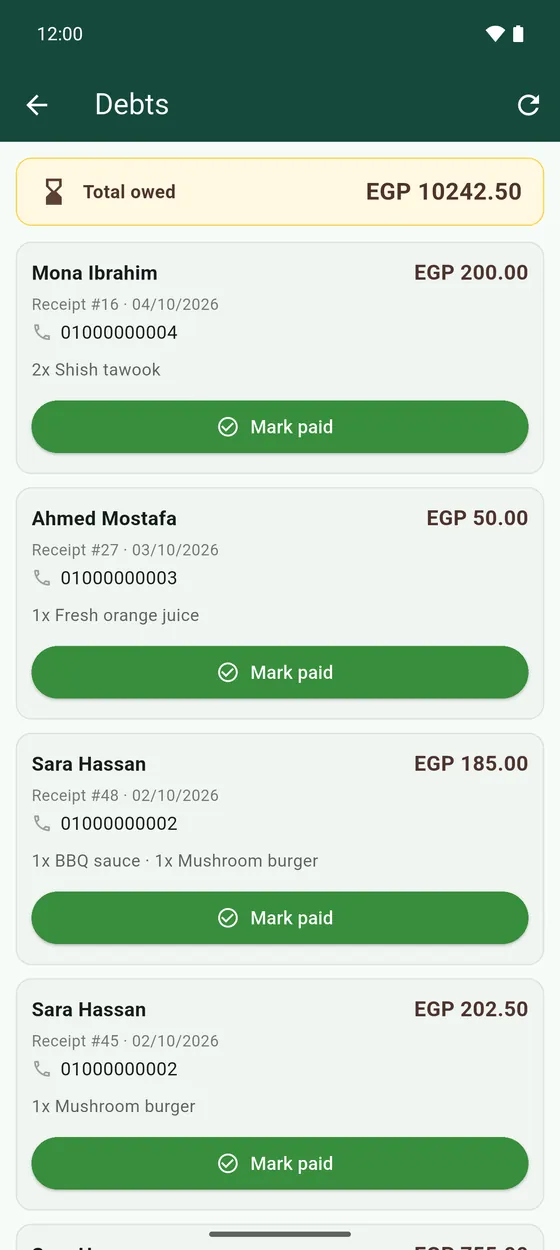
Debts
Keep track of customers who will pay you later.
- Make the receipt as usual.
- In Receipts, tap the hourglass on that receipt. It moves to Debts.
- Open Debts from the side menu to see who owes you. Total owed is at the top.
- When they pay, tap Mark paid.