
Your clients
Save regular customers with their phone numbers and addresses.
- Open Manage → Clients. Tap the add button at the top and choose Add Client.
- Type the name, the phone number and the address. Tap Add address if the customer has more than one.
- Tap Save.
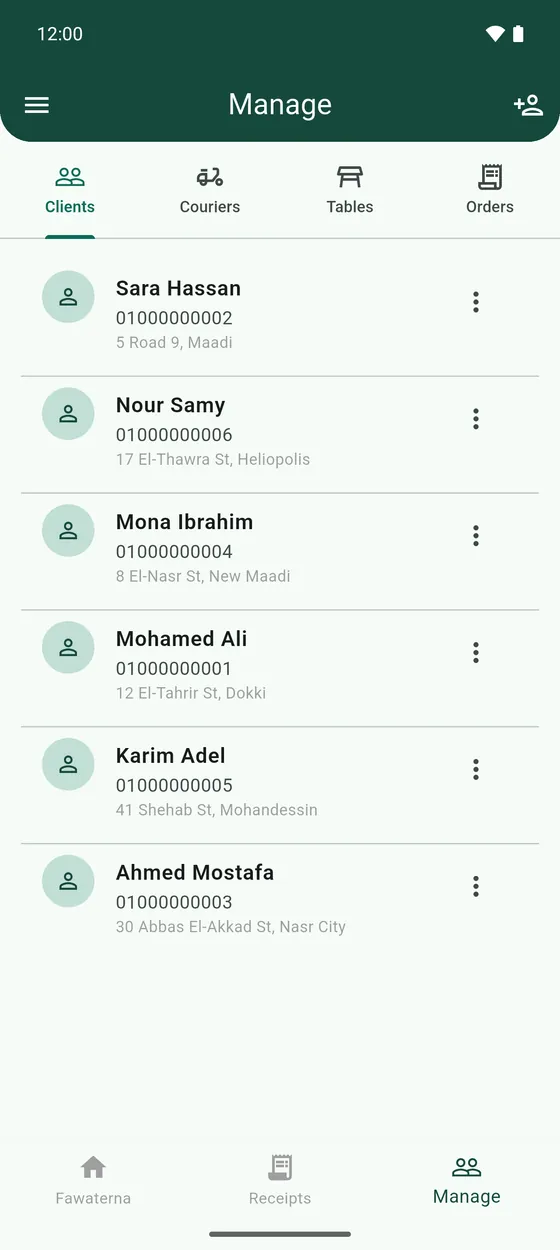
On a receipt, tap Client and start typing a name or a phone number. Your saved clients appear to pick from, and their address fills in for delivery.
- To edit or delete a client, tap the ⋮ on their card.