
Delivery and couriers
Take a delivery order, give it to a courier, and follow it until it is delivered.
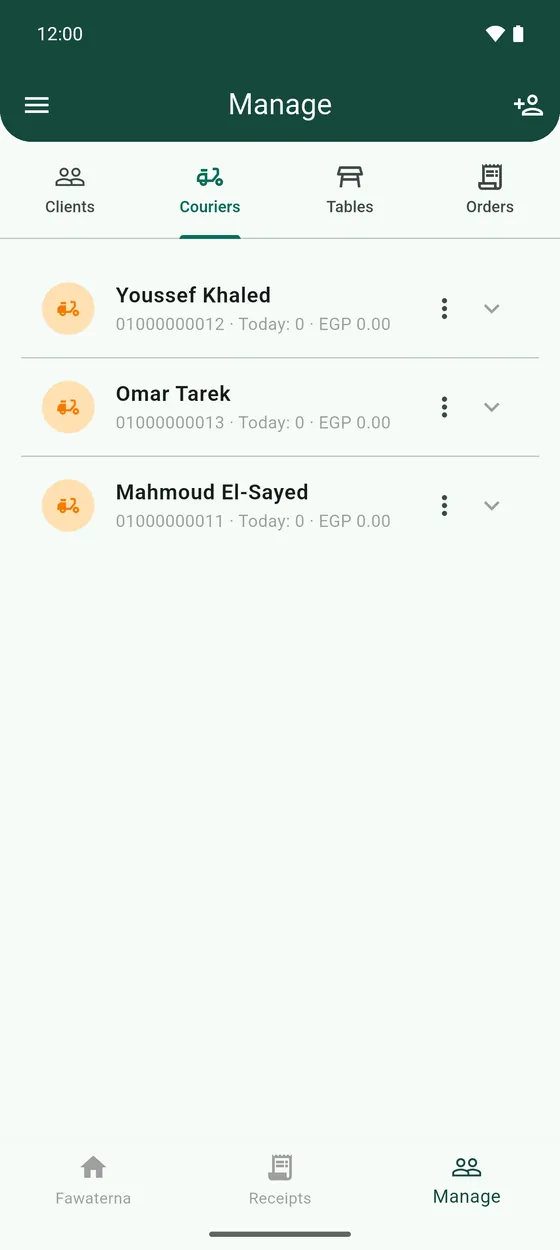
- Add the couriers who deliver for you: Manage → Couriers, tap the add button and choose Add Courier. You can give each courier their own share of the delivery fee.
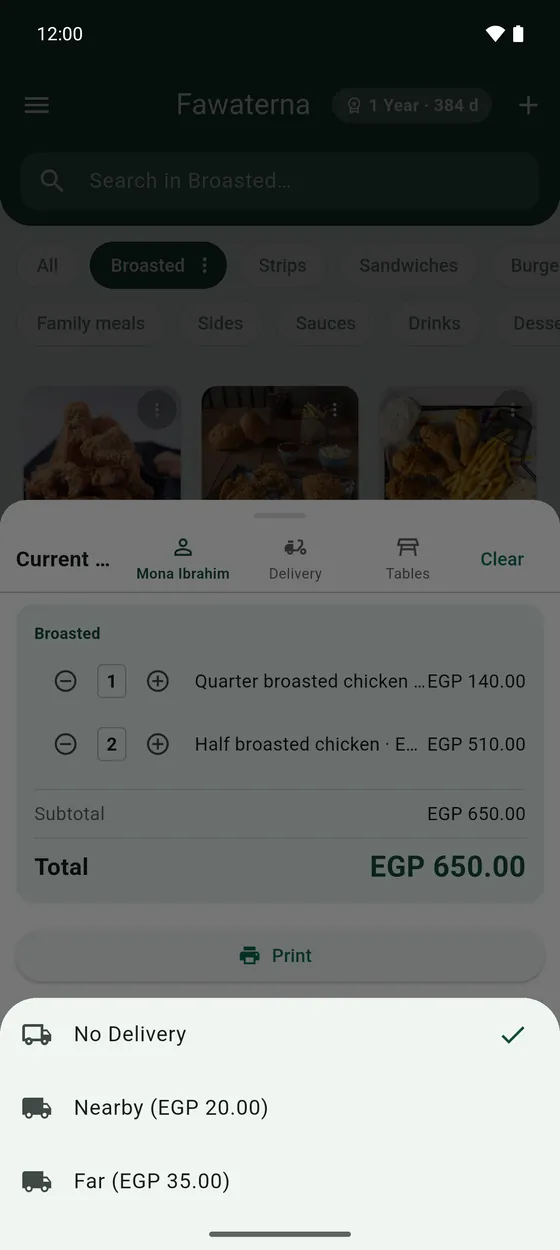
- On the register, build the order and attach the Client, so the address is on the receipt.
- Tap Delivery and choose the delivery fee. Your delivery presets are listed there.
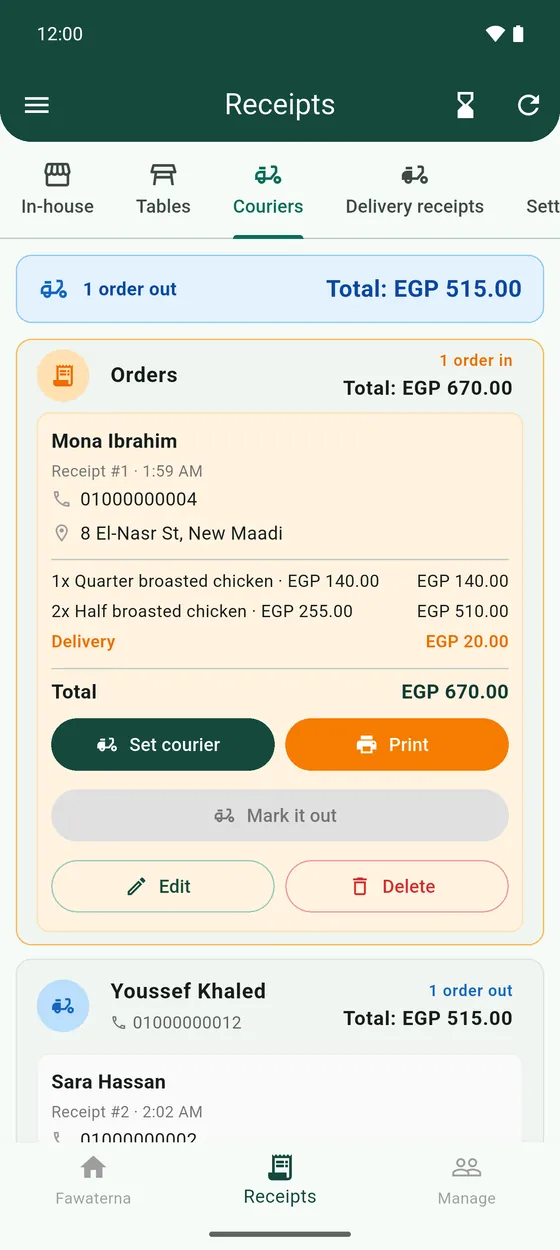
- Tap Add. A delivery order is not printed yet. It waits in Receipts → Couriers, under Orders.
- Open the order, tap Set courier and choose who takes it. You can print it for them.
- When the courier leaves, tap Mark it out.
- When the customer has it, tap Mark delivered. The receipt moves to Receipts → Delivery receipts.
Paying your couriers is in Settle up with couriers.